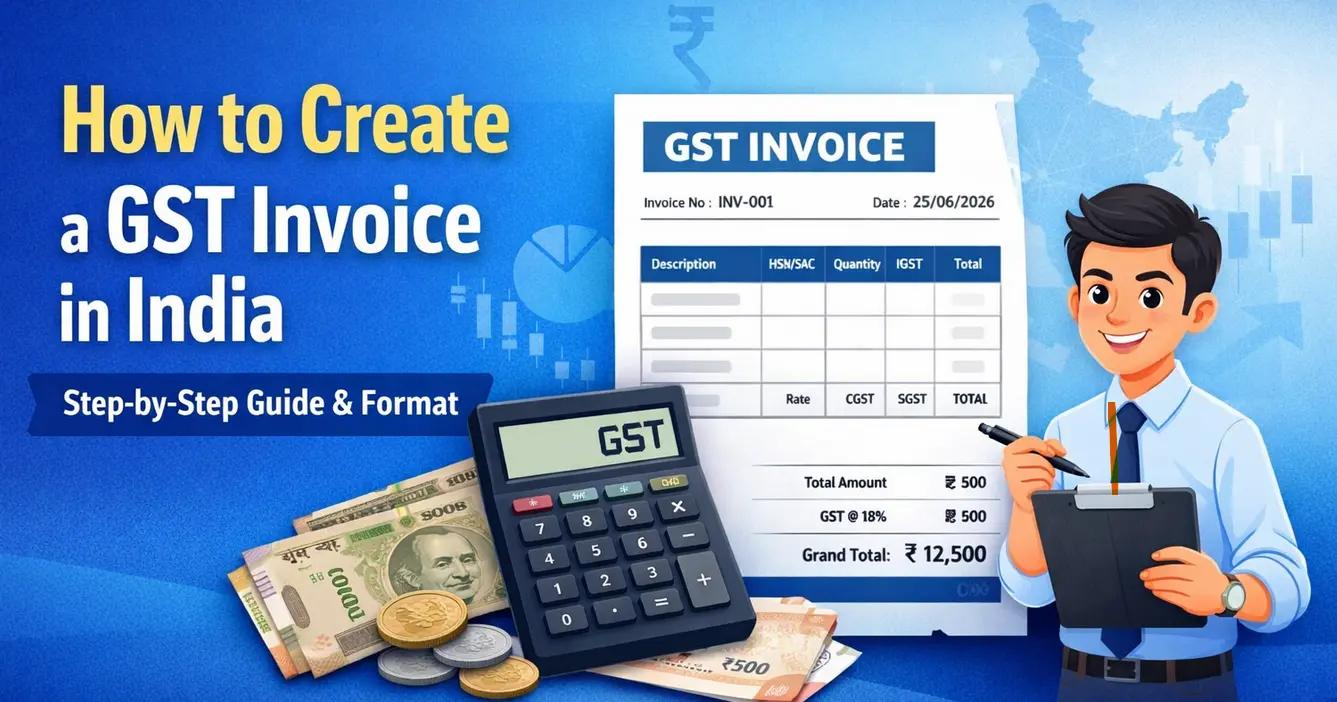
Creating a GST invoice correctly is essential for businesses supplying taxable goods or services. A properly prepared invoice helps maintain accurate records, supports GST reporting and enables customers to reconcile their purchases.
Here is a simple step-by-step approach to creating a GST invoice.
Step 1: Enter Supplier Details
Start with the legal name, business address and GSTIN of the supplier. The invoice should clearly identify the registered business making the supply.
Step 2: Add Invoice Number and Date
Assign a unique invoice number and mention the invoice date. Businesses should maintain a systematic invoice numbering series to ensure proper record keeping.
Step 3: Enter Customer Details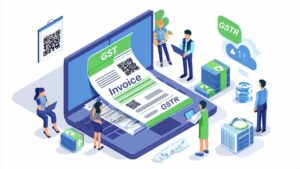
Add the customer’s name, address and GSTIN, where applicable. For registered customers, accurate GSTIN details are particularly important for GST reconciliation.
Step 4: Add Product or Service Details
Mention the description, quantity, unit price and applicable HSN or SAC details. The taxable value should be calculated correctly before applying GST.
Step 5: Calculate GST
Determine whether the transaction attracts CGST and SGST/UTGST or IGST based on the nature and location of the supply. Clearly display the applicable GST rate and tax amount.
Step 6: Review and Issue the Invoice
Before issuing the invoice, verify the customer’s GSTIN, invoice number, taxable value, tax rate and total amount. Maintain a copy of the invoice for your records.
Make GST Invoicing Easier
For businesses generating multiple invoices every month, manual preparation can increase the possibility of errors. Cloud-based GST invoicing software can automate calculations, standardise invoice formats and keep invoice records organised.
A reliable invoicing system allows businesses to spend less time preparing invoices and more time focusing on their customers and growth.